Removing an Account ( Mac Mail )
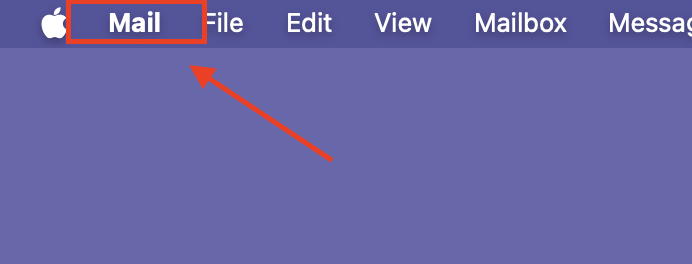
To remove an account From Mac mail, have the customer navigate to "Mail" from the desktop
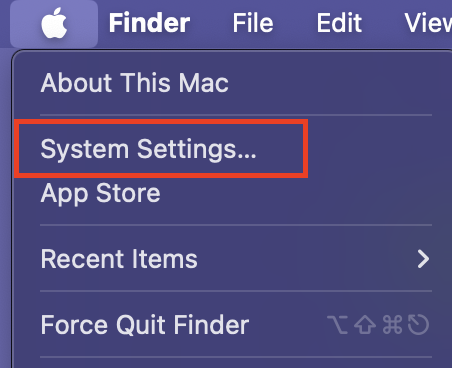
Select System Settings
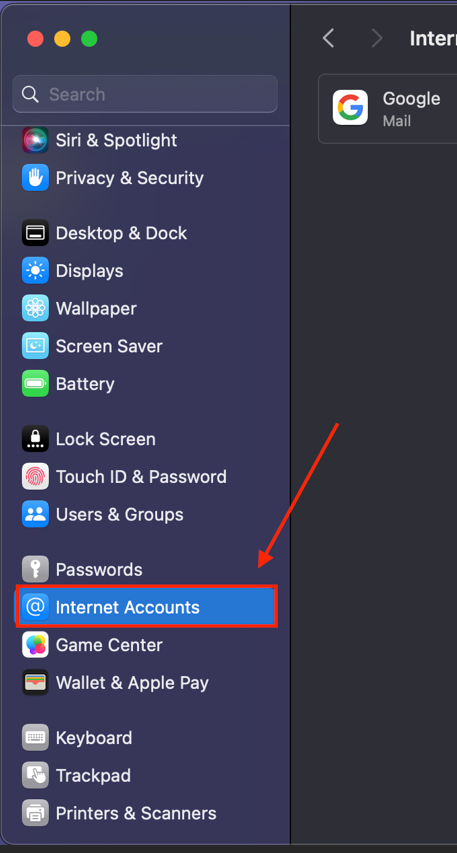
Select internet accounts
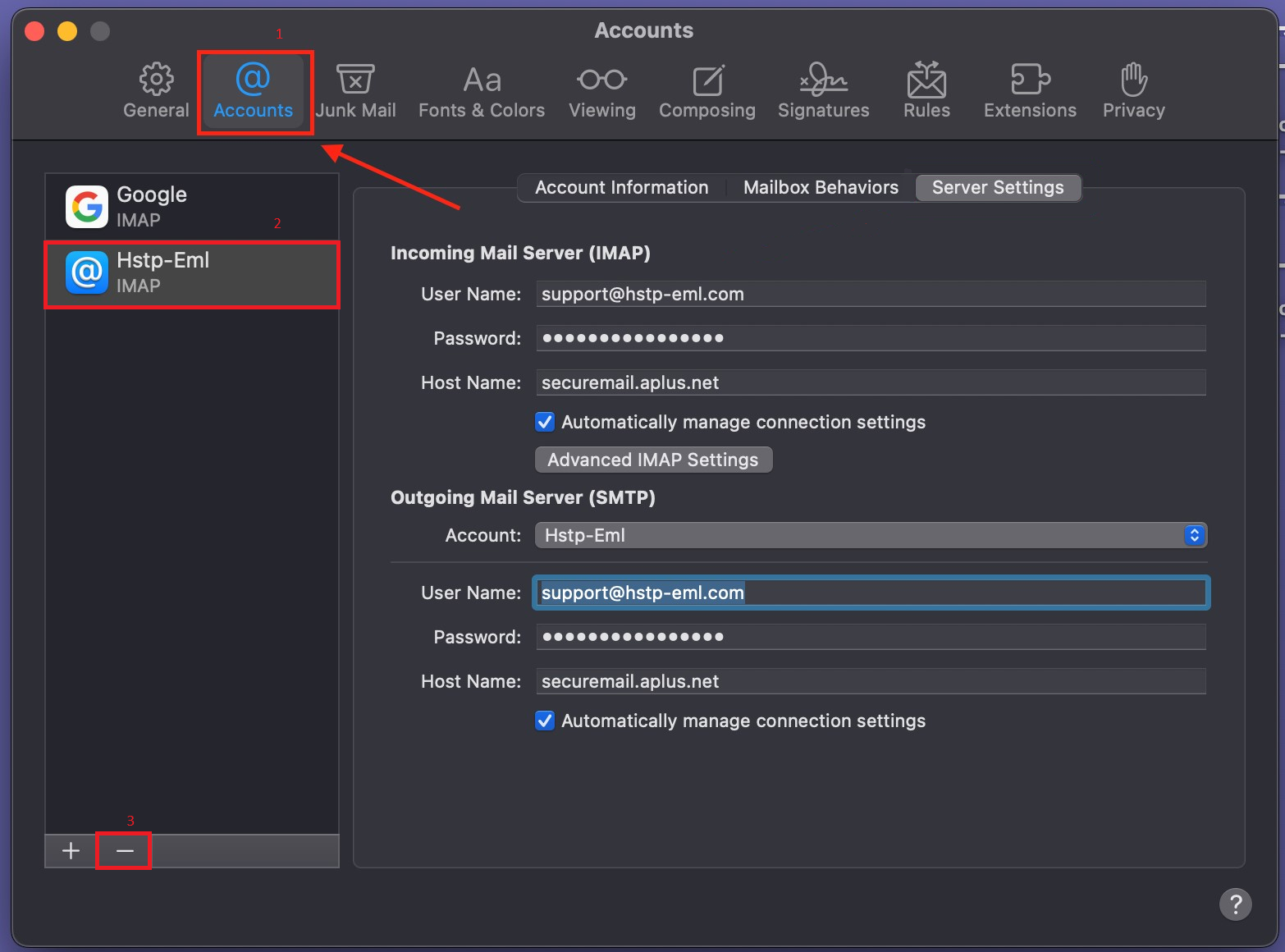
Select accounts, once in the account screen have the customer select the account they wish to remove by clicking on it on the left hand side.
Then have the customer click on the small minus button located at the bottom of the account selection menu. Once confirmed the account will be fully removed from Mac mail and can be re-added