Adding an account ( Iphone )
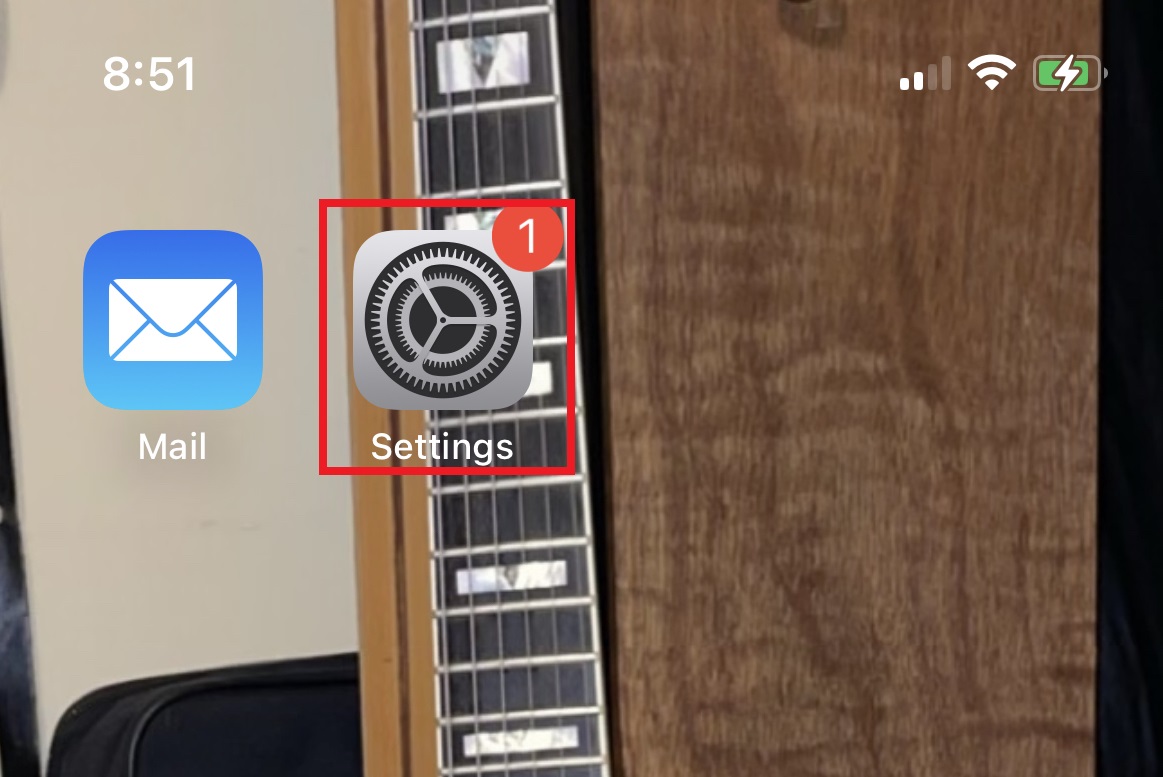
Open the Settings application
Scroll down to the bottom of the list and select "Apps"
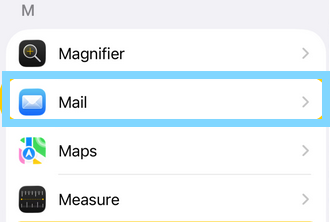
Locate and select the option for "Mail"
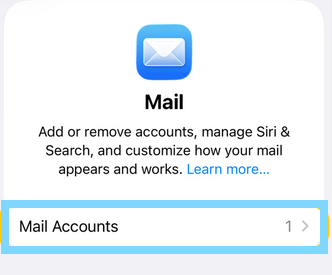
Select "Mail Accounts"
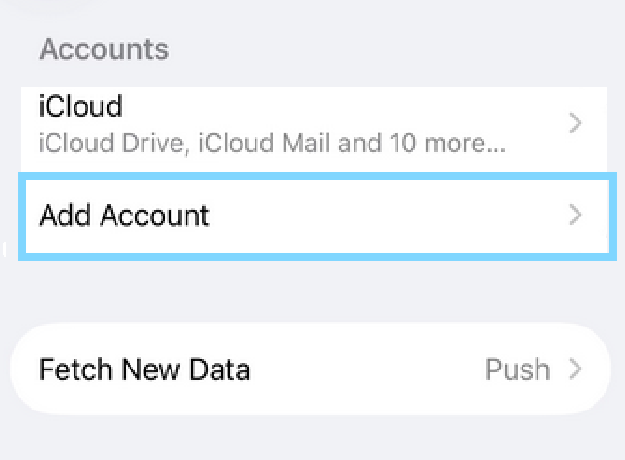
Tap on "Add Account"
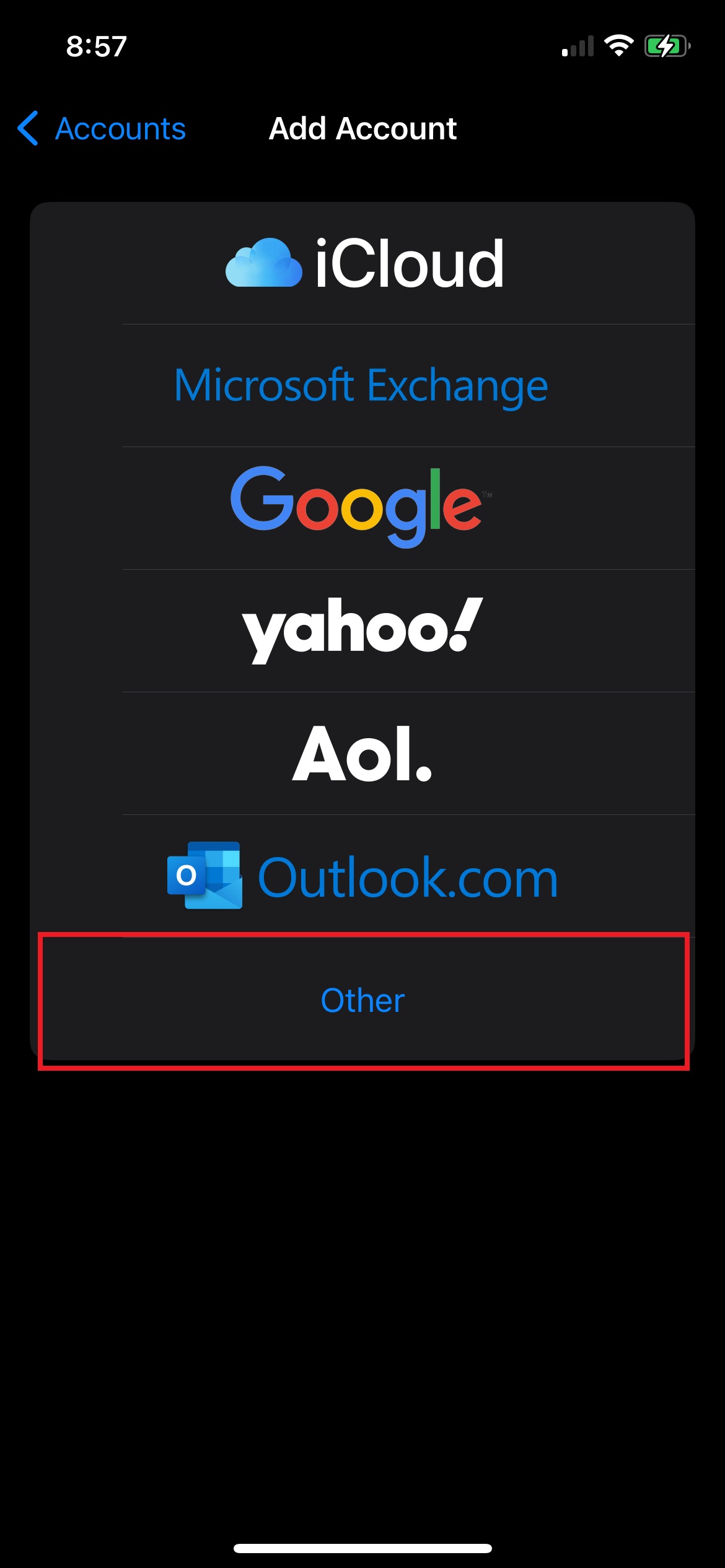
Select the option for other
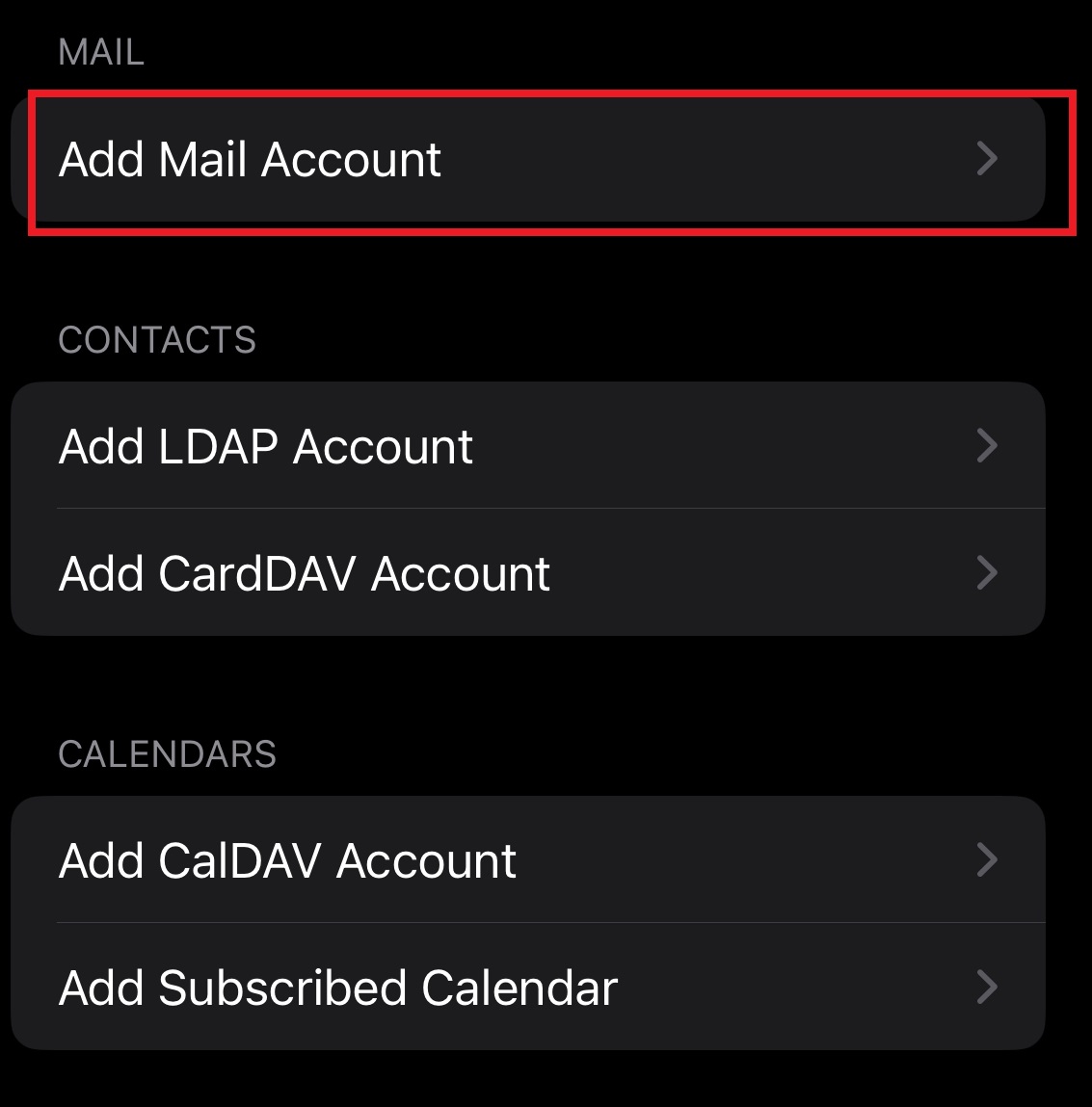
Select add mail account
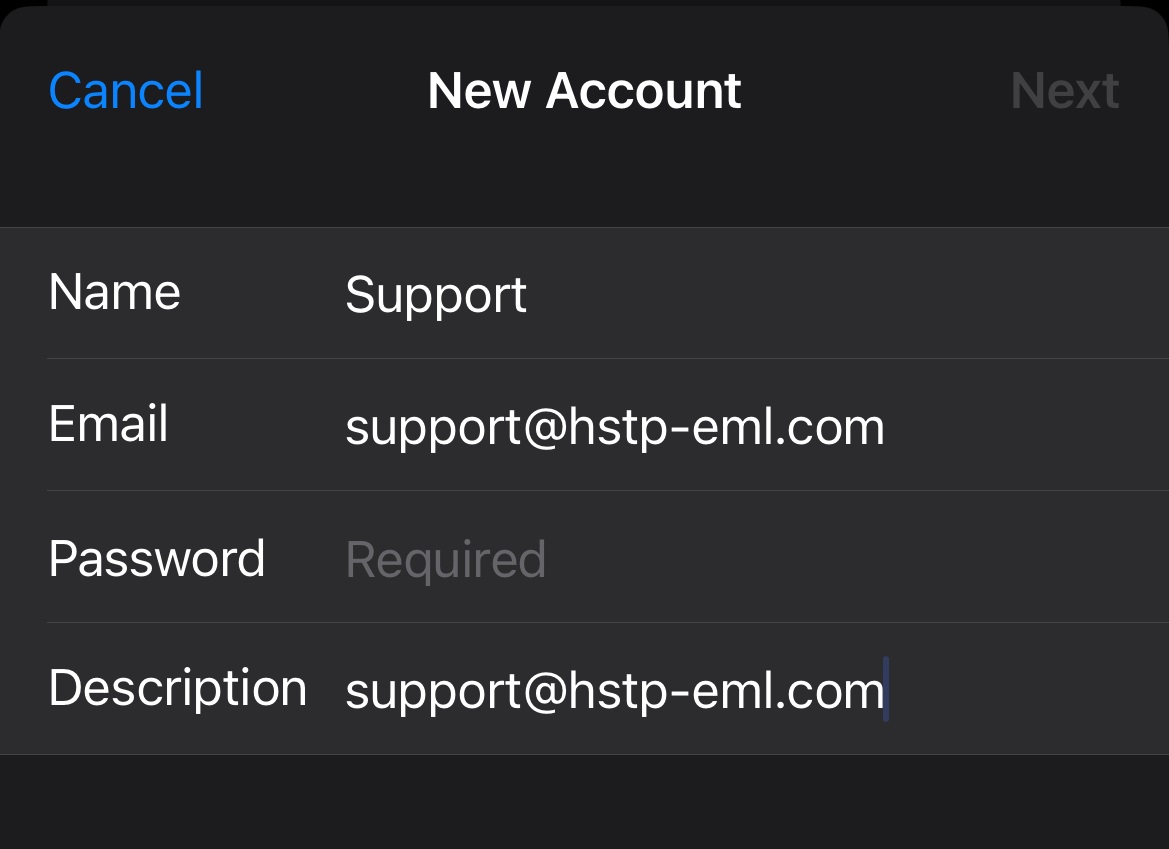
In the following screen although counter intuitive enter your email password incorrectly, causing a connection error in this step will allow you to select the desired mail protocol and set the appropriate server settings provided by your email host
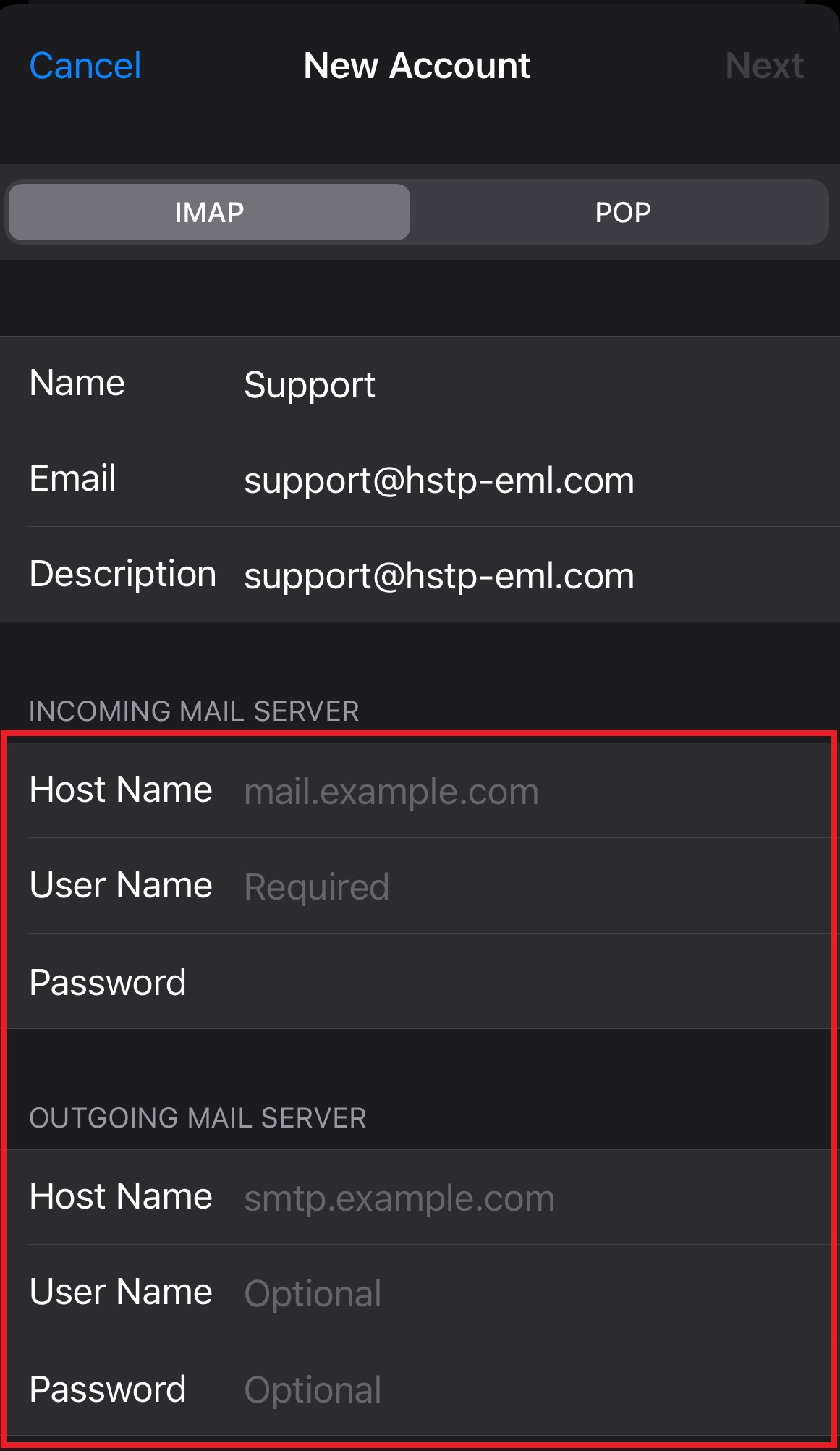
Once the password has been entered incorrectly the customer should be brought to a screen to select the mail protocol as well as enter the incoming and outgoing server info
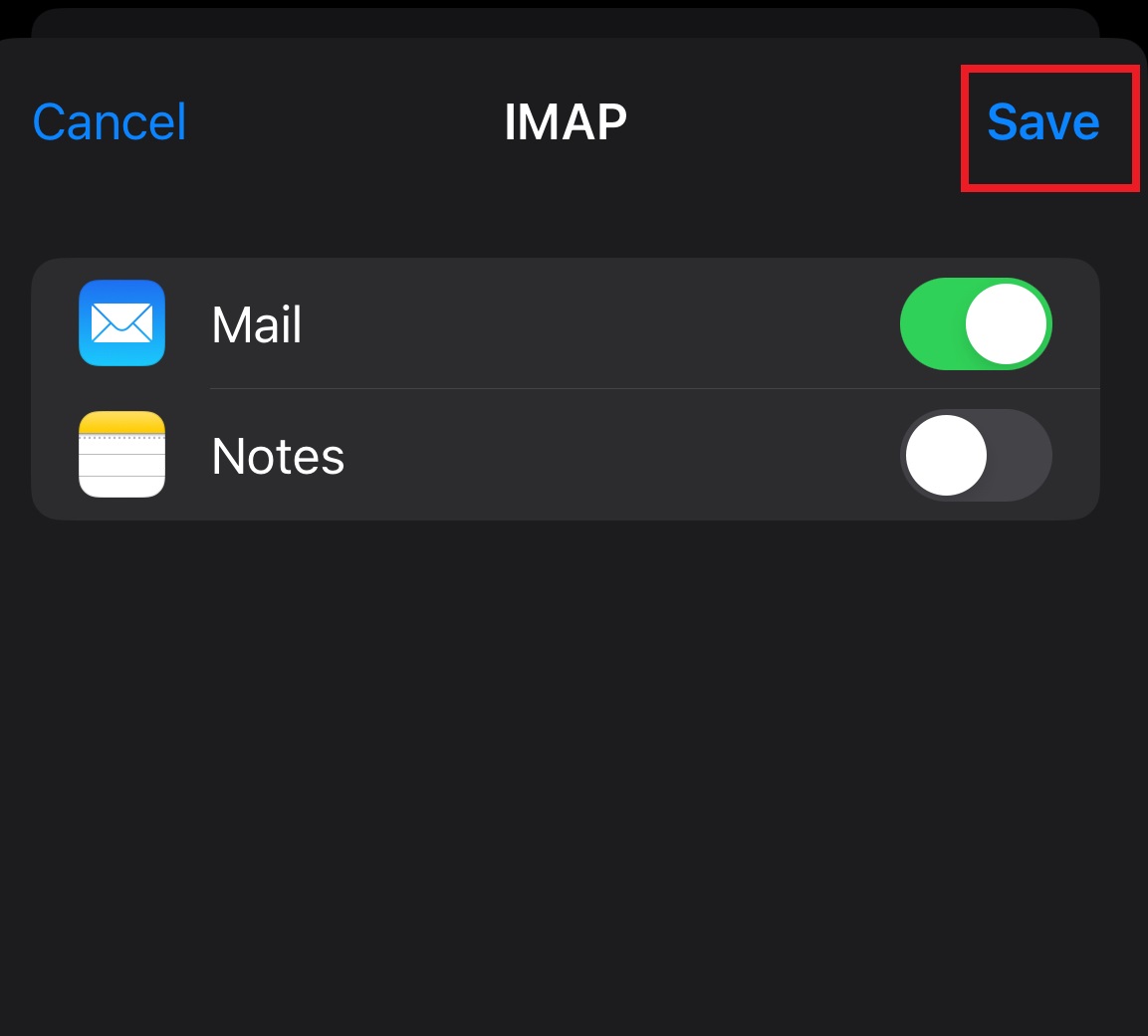
Once entered have the customer make sure the "Mail" option is enabled and click on save the device should now attempt to verify the settings that have been entered if verified the account should be good to go from this point.