Removing an account ( Iphone )
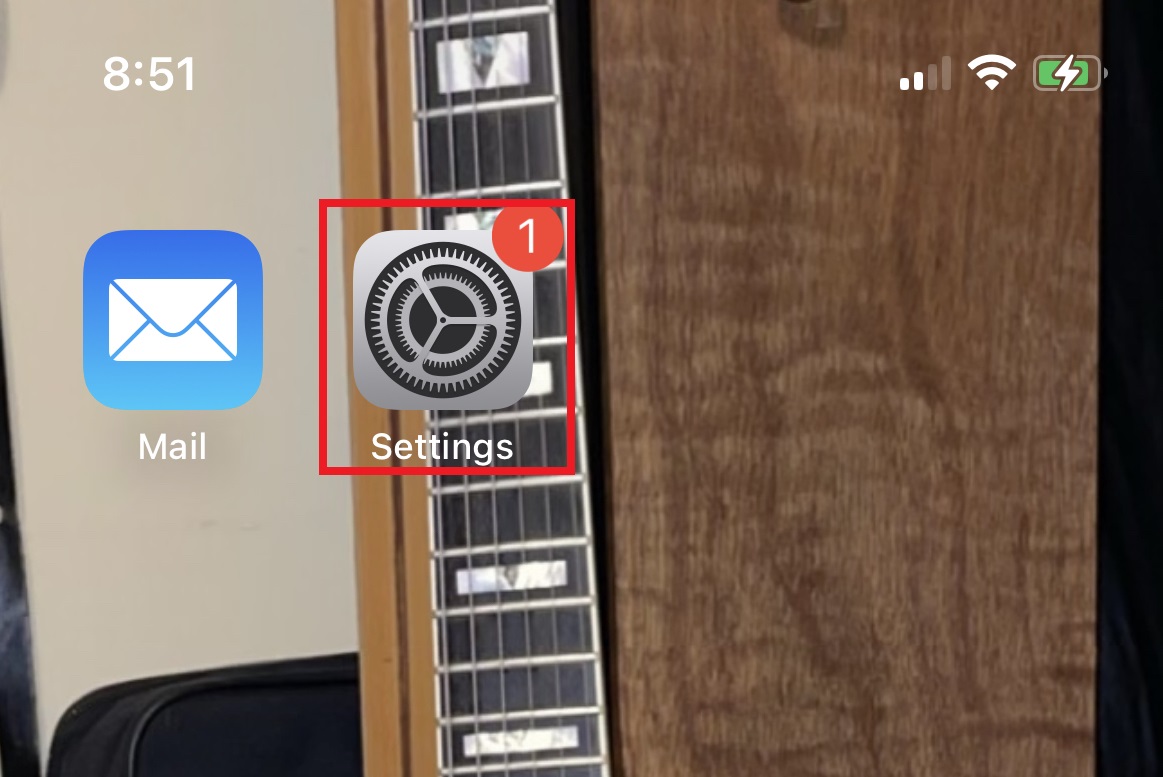
To remove an account from you Iphone, open settings
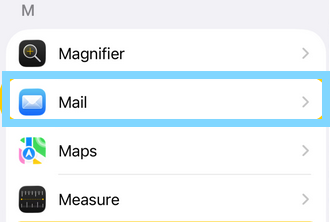
Select Mail
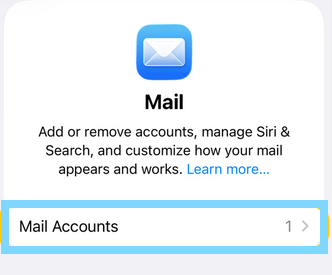
Select accounts
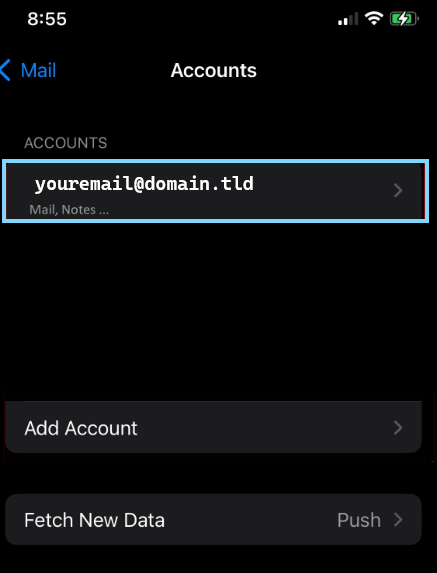
Tap on the account you are attempting to remove from your device
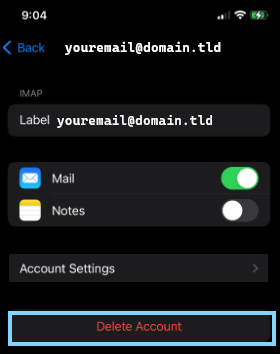
Tap on Delete Account to confirm and remove the account from the device.
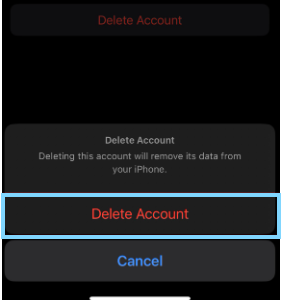
Confirm the deletion only if absolutely sure that you wish to remove the account, once confirmed the account will be fully removed along side any local data / folders saved to the device directly