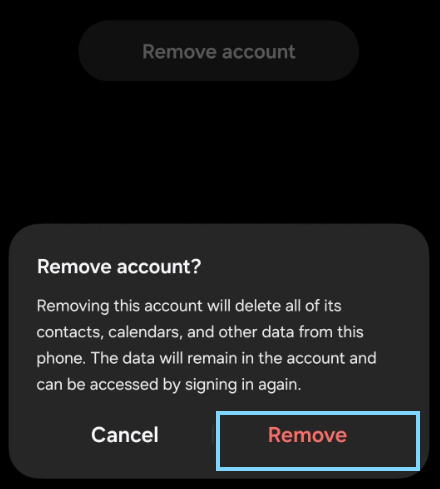
IMPORTANT NOTE
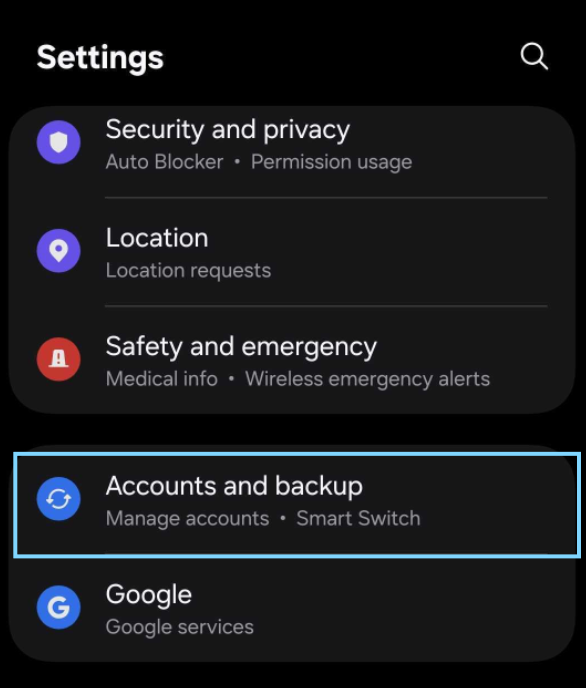
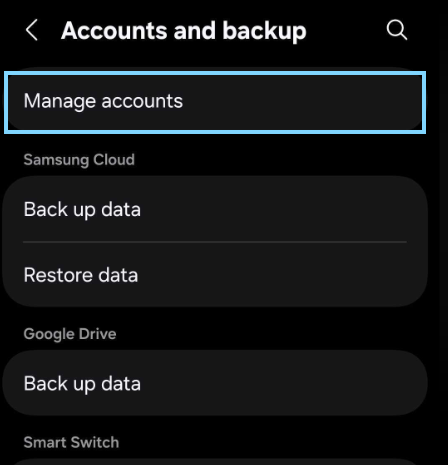
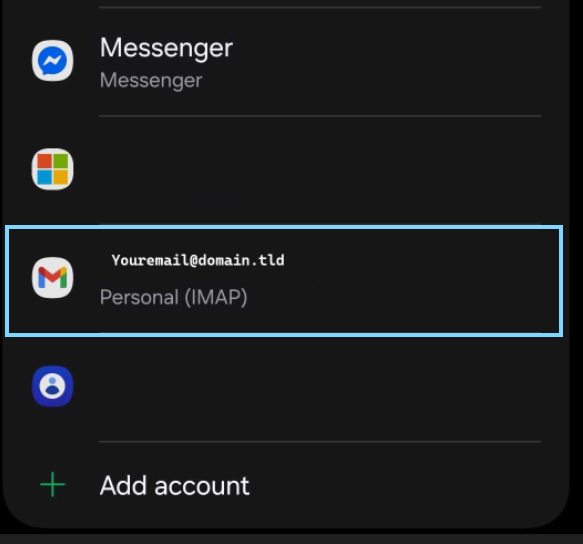
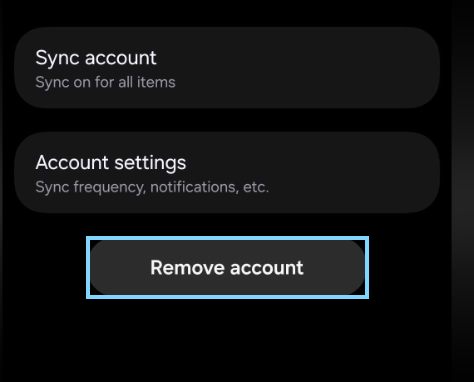
Before removing an account from any mail client it is important to verify the accounts incoming mail protocol,
removal of a pop3 account without the creation of a back up may result in Irreversible loss of email content or local folders